

Adding a variable
- Open Project → Settings → Environment variables.
- Click Add another variable.
- Enter the key (for example,
STRIPE_PUBLISHABLE_KEY) and value. - Click Save variables.
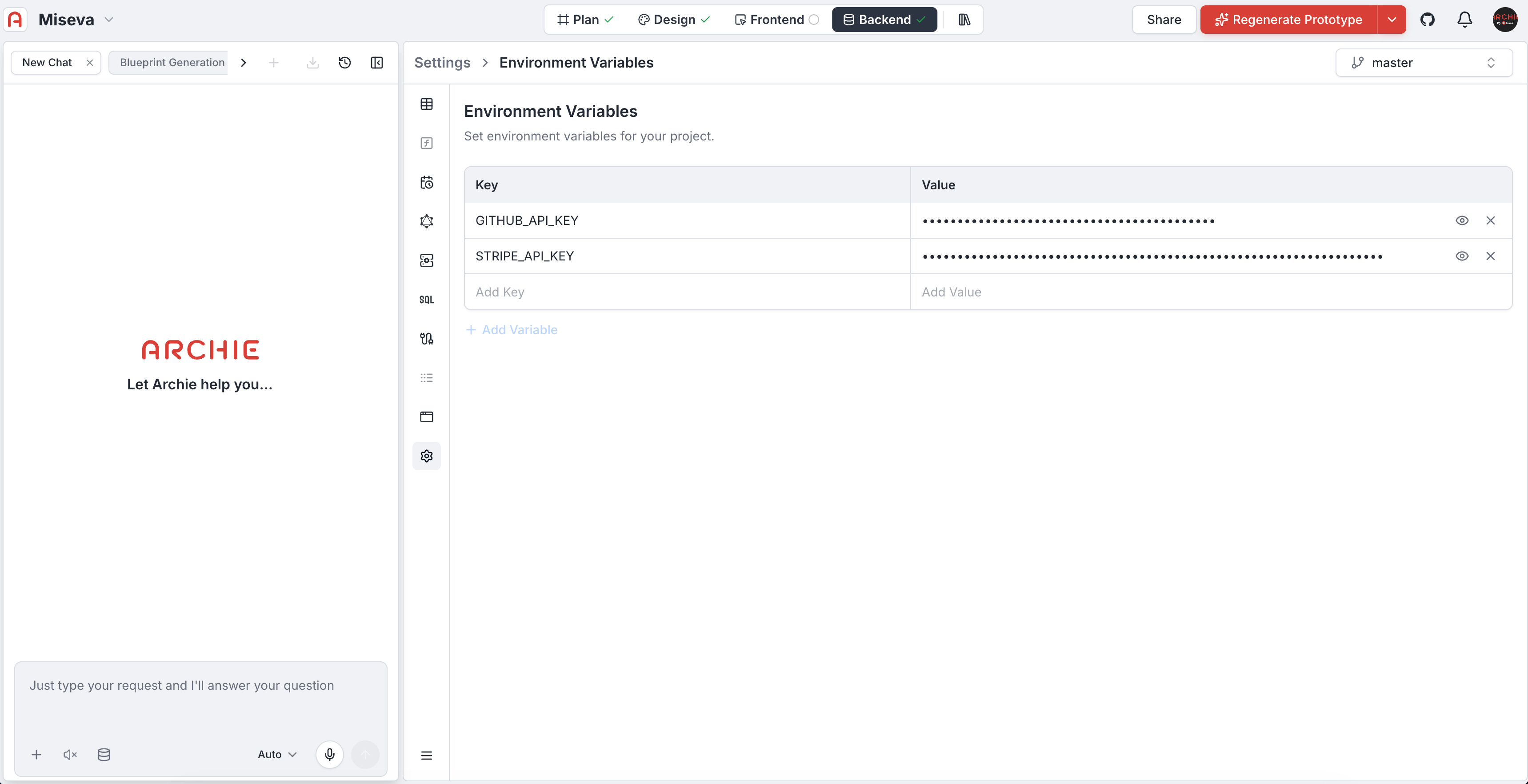
Per-environment variables
If your project has multiple environments (development, staging, production), you can scope variables per environment. Production-only secrets stay out of development.Where variables are used
- Generated code reads env vars via the standard mechanism for your stack
- Custom functions access them as named values
- Integrations that need credentials beyond their own configuration
FAQ
Are environment variables encrypted at rest?
Are environment variables encrypted at rest?
Yes.