

What is in the tech stack
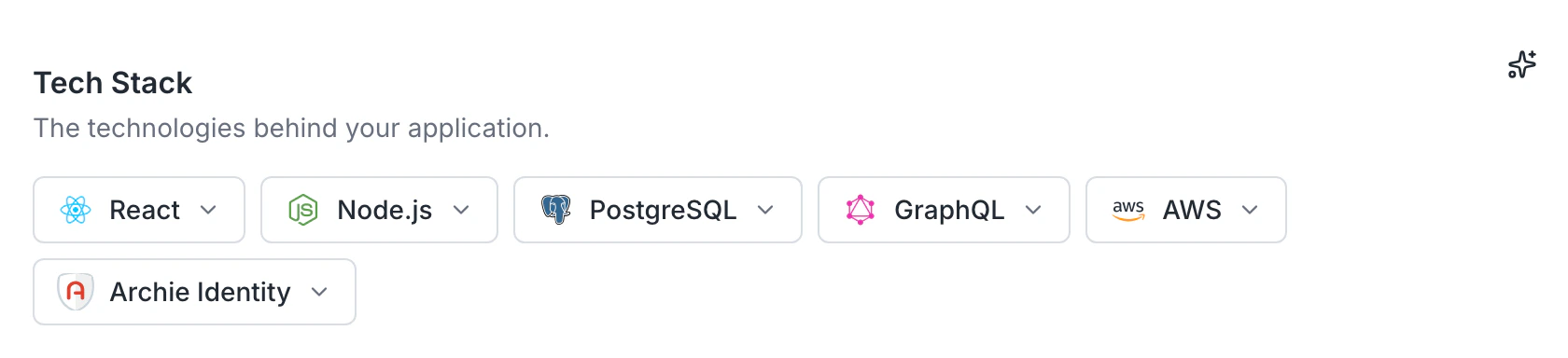
The tech stack card lists Archie’s choices for:- Frontend framework
- Backend framework / runtime
- Database
- Authentication library
- Other infrastructure components (caching, queueing, and so on, when relevant)
When to change the tech stack
Most users should leave this section alone on the first build. Archie’s defaults are sensible for the kind of app you described. Reasons to override:- You have an existing infrastructure standard (Postgres, not the default DB)
- You are handing off to a team with specific framework expertise
- You need a specific runtime for a downstream constraint (edge, on-prem)
- Your idea implies an unusual stack (a CLI, a desktop app)
Changing a stack choice
Open the tech stack card. Each component has a dropdown or text field. Pick the new choice. Save. The generator will use the updated stack on the next build.When to regenerate vs. edit
- Direct edit is fine for swapping one component for another (for example, MySQL → Postgres).
- Regenerate the section if everything looks off — for example, a desktop-app stack when you wanted a web app.
Tradeoffs to be aware of
- Swapping frameworks after a build is expensive — most code is framework-specific. Change the stack at the blueprint stage if you can.
- Some integrations work better with specific stacks.
- The tech stack you pick affects the credit cost of generation.
FAQ
What happens to my code if I change the stack after building?
What happens to my code if I change the stack after building?
The next build regenerates against the new stack. Custom edits made to the previous code will not carry over automatically.
Does the stack affect deployment options?
Does the stack affect deployment options?
Yes. Some stacks are easier to deploy to specific targets. See deployment.