

Note: API keys are scoped per environment. Each environment has its own set of API keys, and keys generated in one environment are not valid in another. See Environments for the per-environment scoping model.
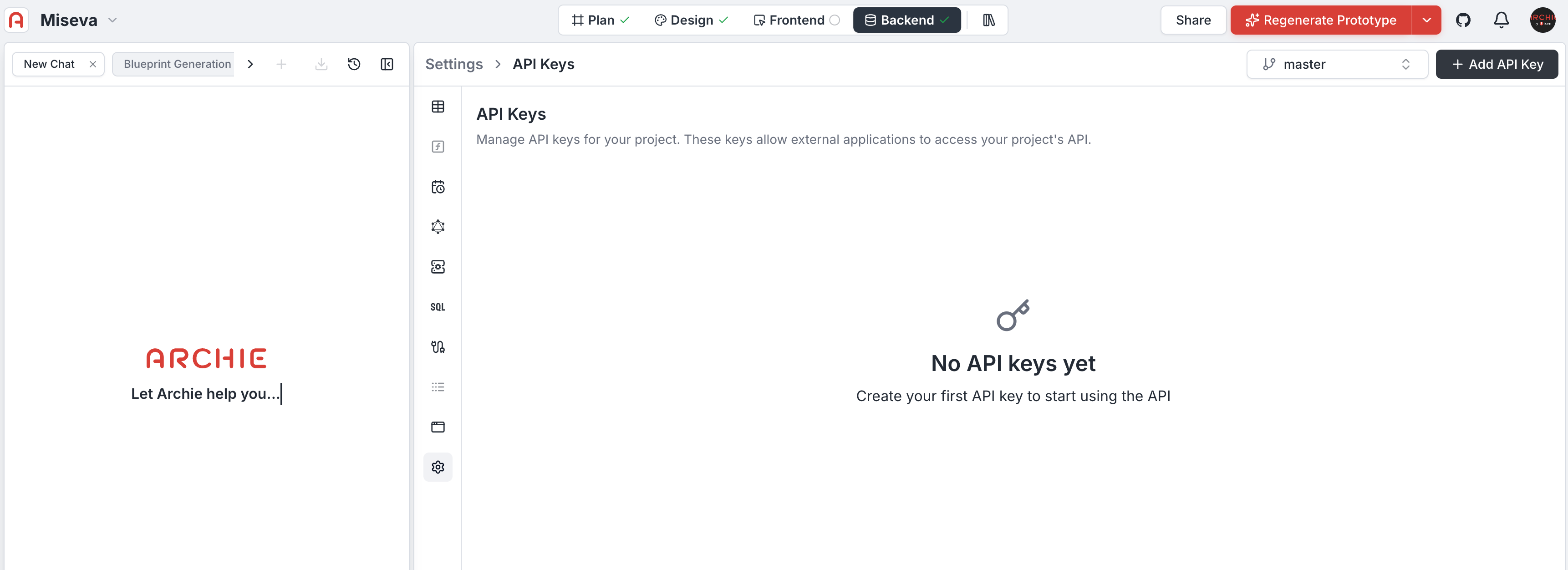
Creating a new API key
To generate a new credential:- Click the black + Add new API key button located in the top-right corner of the dashboard.
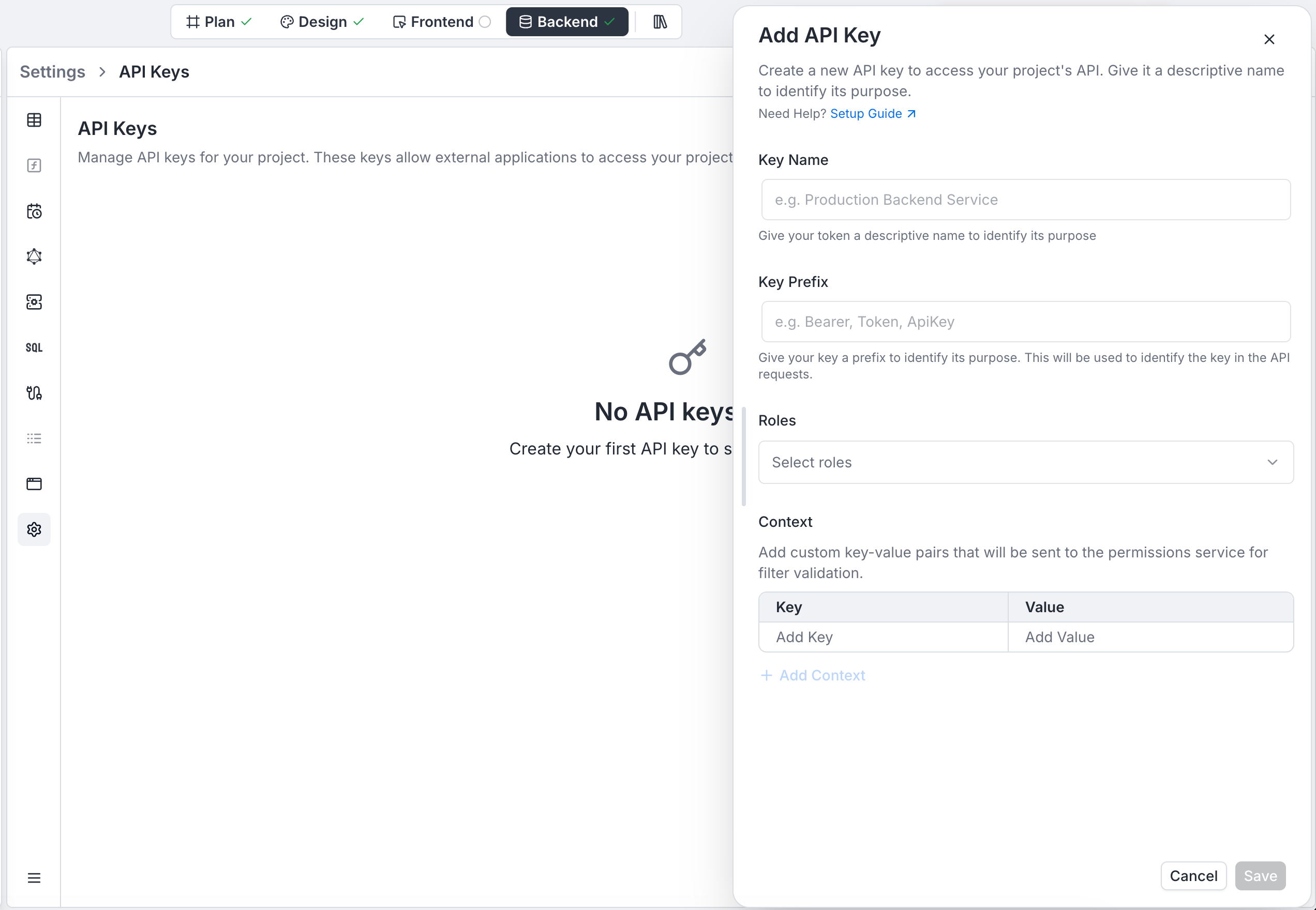
- A configuration modal titled Create API Key will appear.
- Fill in the required fields to define the key’s purpose and structure.
Configuration fields
- Key Name: Give your token a descriptive name to identify its purpose.
- Key Prefix: Give your key a prefix to identify its purpose. This will be used to identify the key in the API requests.
- Roles: Select one or more roles to assign to this API key. This determines the level of access the key will have. Roles are defined in Role-Based Access; the key inherits whatever Read/Write/Update/Delete permissions and row-level filters those roles carry.
- Context: Add custom key-value pairs that will be sent to the permissions service for filter validation. This allows for fine-grained access control based on specific attributes.
The key value is shown only once at creation. Persist it in your secrets manager immediately.
Using a key
The scheme word in theAuthorization header isn’t fixed to Bearer — it’s whatever you set in the Key Prefix field when you created the key (Bearer, Token, ApiKey, or any custom value).
Bearer:
ApiKey:
Rotation
Plan for key rotation:- Create a new key
- Deploy consumers reading from the new key
- Verify traffic on the old key has stopped
- Delete the old key
Audit
Each authenticated request logs the key it used. Filter audit by key when investigating.FAQ
Is there a key prefix that identifies it as Archie's?
Is there a key prefix that identifies it as Archie's?
Yes — keys are prefixed at creation (configurable via the Key Prefix field). The platform-default prefix appears in REST examples as
archie_YOUR_API_KEY.Can I create a key from a CI/CD pipeline?
Can I create a key from a CI/CD pipeline?
Yes via the API mutation. Store the resulting key in your CI’s secret store.
Are keys workspace-wide or project-scoped?
Are keys workspace-wide or project-scoped?
Project-scoped, and further scoped per environment. For workspace-level credentials, see workspace secrets.