

Open Logic
Open your project, switch to Backend, and select Logic in the Backend Console navigation. Select the environment you want to work in from the environment menu on the right. When the environment has no services yet, the page shows Create your first custom service and three ways to start.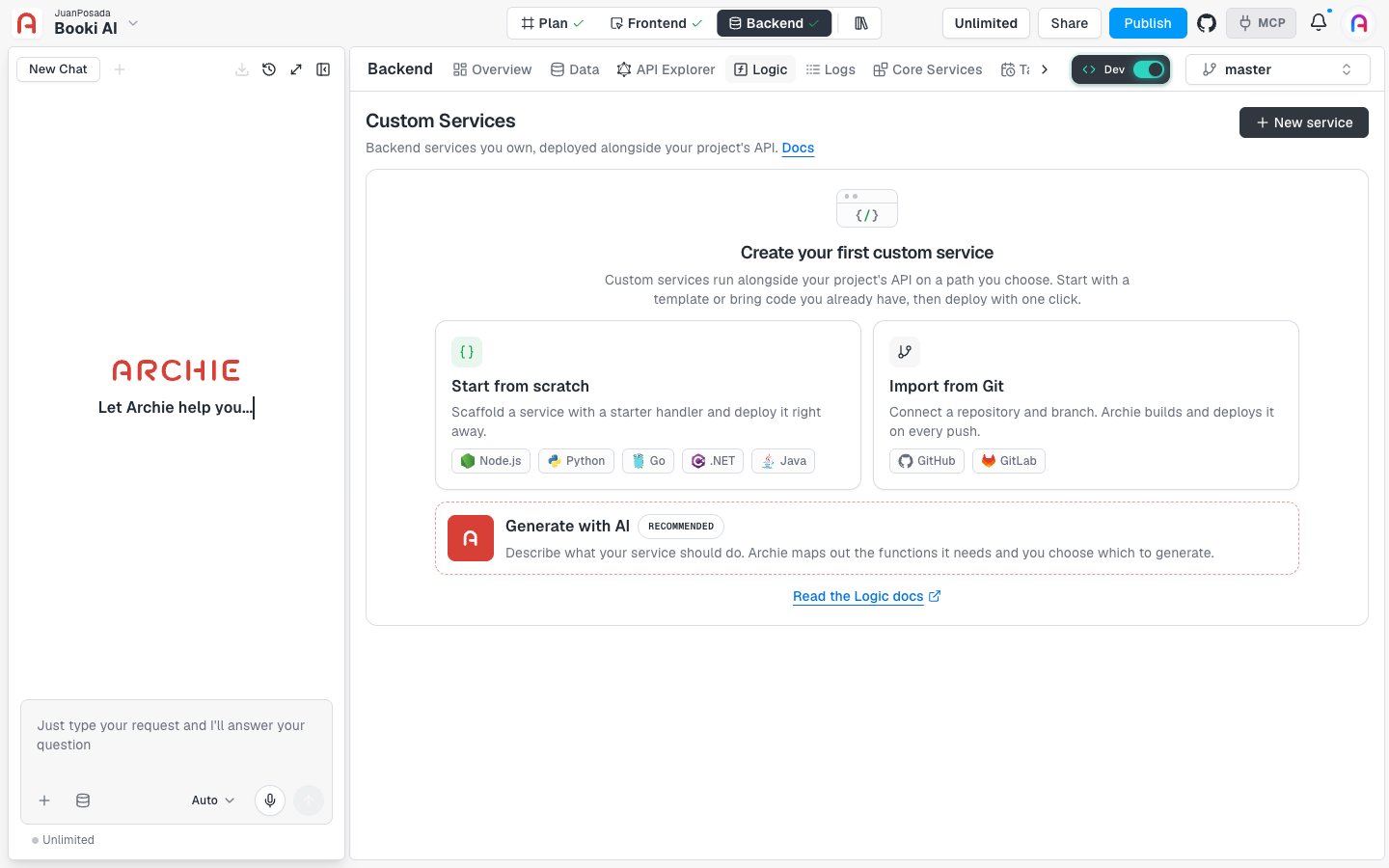
One service per project
For now, each project can have one service. When a service already exists, New service is unavailable and its tooltip reads “For now each project can have one service.” Once a service exists, the page lists it in a table with its Service name, Origin (for example, “From scratch”), Language, and Status. The Status column shows values such as Not deployed yet, Succeeded, and Failed. Use Search services… to filter the list and Refresh to reload it. Each row also has an Actions menu with Open in new tab and Delete. Click a service name to open it. See Working with a service.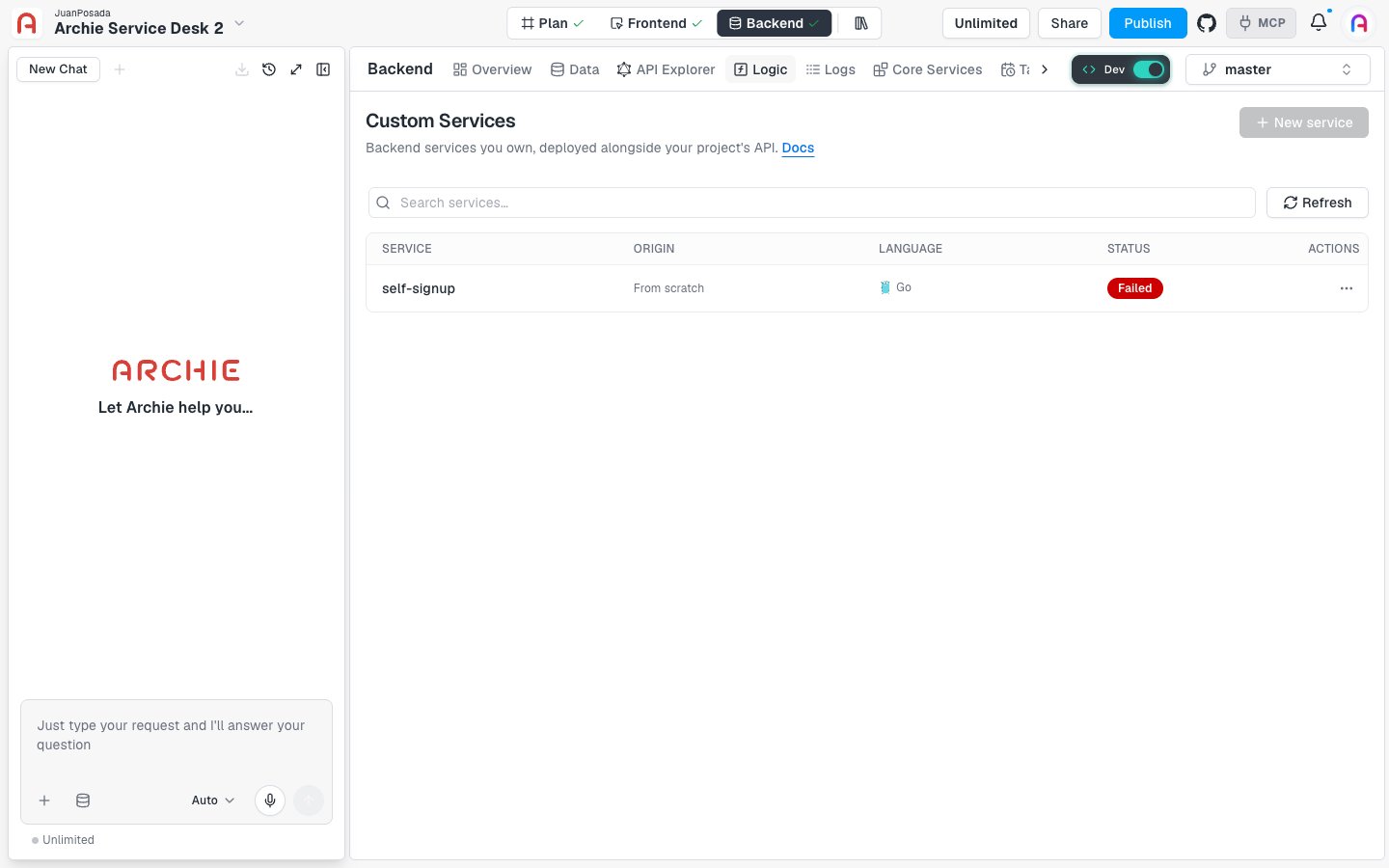
Ways to add logic
Click New service in the page header, or pick one of the cards in the empty state. The Add Logic dialog asks how you want to start.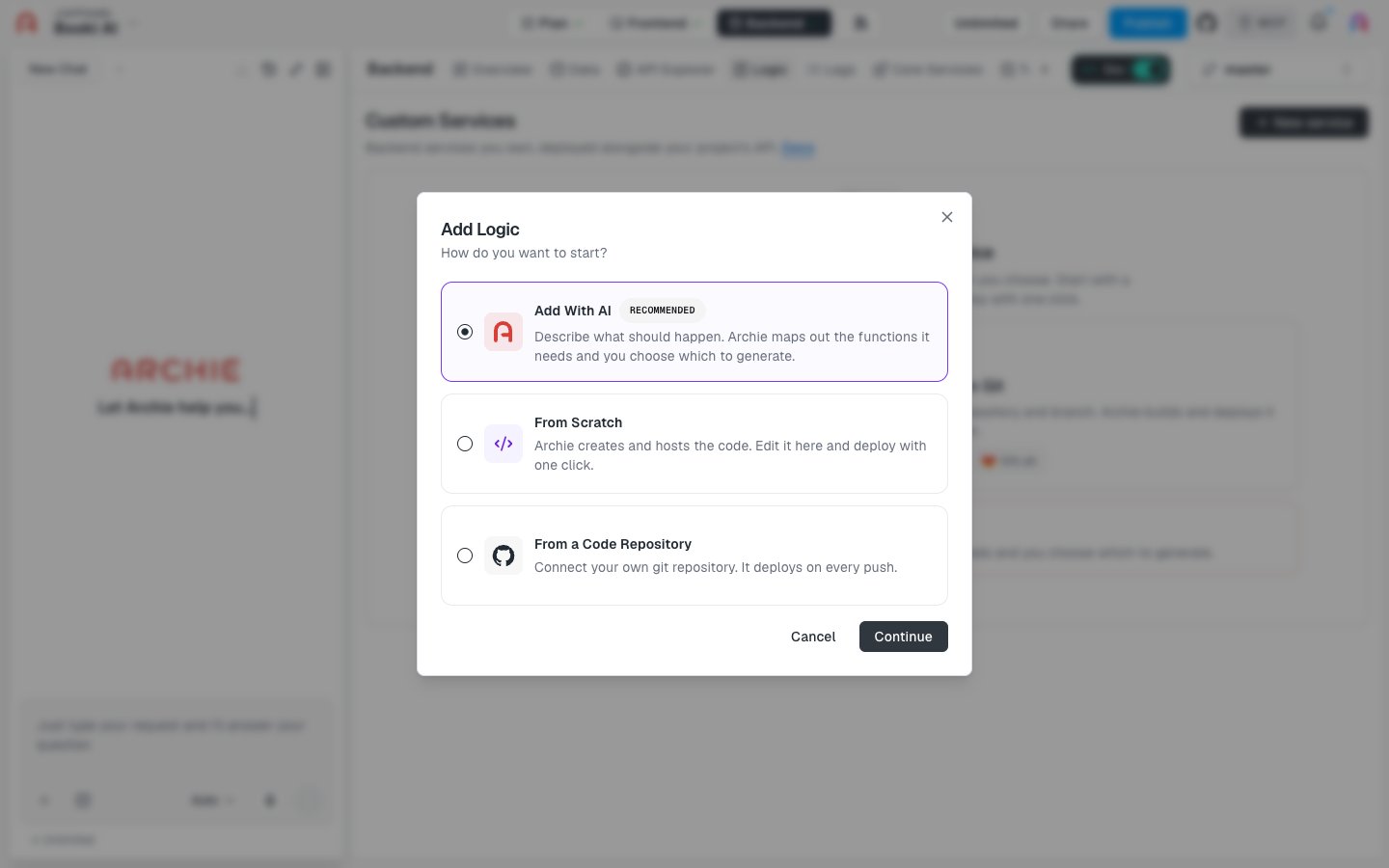
Add With AI
Describe what should happen. Archie maps out the functions it needs and you choose which to generate. Archie marks this option as recommended.
From Scratch
Archie creates and hosts the code. You edit it in Archie and deploy with one click.
From a Code Repository
Connect your own git repository. It deploys on every push.
After you create a service
Open the service to edit its code, deploy it, and set its variables:Working with a service
The service page, the code editor, the deploy file, and deleting a service.
Deployments
Deploy, compare Head with the live version, read the pipeline, and fix a failed deploy.
Environment variables
Configuration and secrets shared by the services in an environment.
Services and functions
A service is the deployable unit. It has one repository, one language, and one deploy history. A function is one operation inside a service, such as a GraphQL query, a GraphQL mutation, or a REST route. When a deploy finishes, Archie registers the service’s operations with your project’s API.Supported languages
Services can use Node.js, Python, Go, .NET, or Java. The AI option also offers Let Archie Decide.FAQ
Why is this page called Custom Services?
Why is this page called Custom Services?
Logic is the name in the Backend Console navigation. The page header reads Custom Services. Both names refer to the same page.
Which option should I pick?
Which option should I pick?
Pick Add With AI when you can describe the behavior in plain words. Pick From Scratch when you want to write the code yourself in Archie. Pick From a Code Repository when the code already lives in GitHub, GitLab, or another git host.
Is Logic the same as scheduled tasks?
Is Logic the same as scheduled tasks?
No. A scheduled task is a schedule that calls a target. Logic is code you add and deploy.