

Spend cap
The Spend cap sets the maximum AI credits this environment can spend. Requests stop when the cap is reached.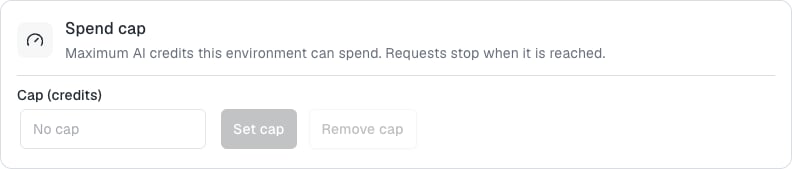
- Enter a number in Cap (credits).
- Click Set cap.
Usage
The Usage card shows AI credits and tokens consumed. Use the period selector to switch between Last 24 hours, Last 7 days, Last 30 days, and This month. For the selected period, the card shows totals for credits, input tokens, and output tokens. When a cap is set, it also shows credits spent against the cap. Breakdowns appear By day, By model, and By feature. When nothing was used, the card reads “No usage in this period.”FAQ
What happens when the cap is reached?
What happens when the cap is reached?
Requests stop until you raise or remove the cap.
Does the playground count toward usage?
Does the playground count toward usage?
Yes. The playground sends real requests that consume AI credits from the environment.