Archie AI is a Core Service that lets your apps call chat and embedding models through your project’s API. Archie manages the provider keys and bills usage as AI credits.

Turn Archie AI on

Archie AI is off until you activate it, and it’s configured per environment.
  1. Go to Backend → Core Services → Archie AI.
  2. Turn on the Activate Archie AI switch.
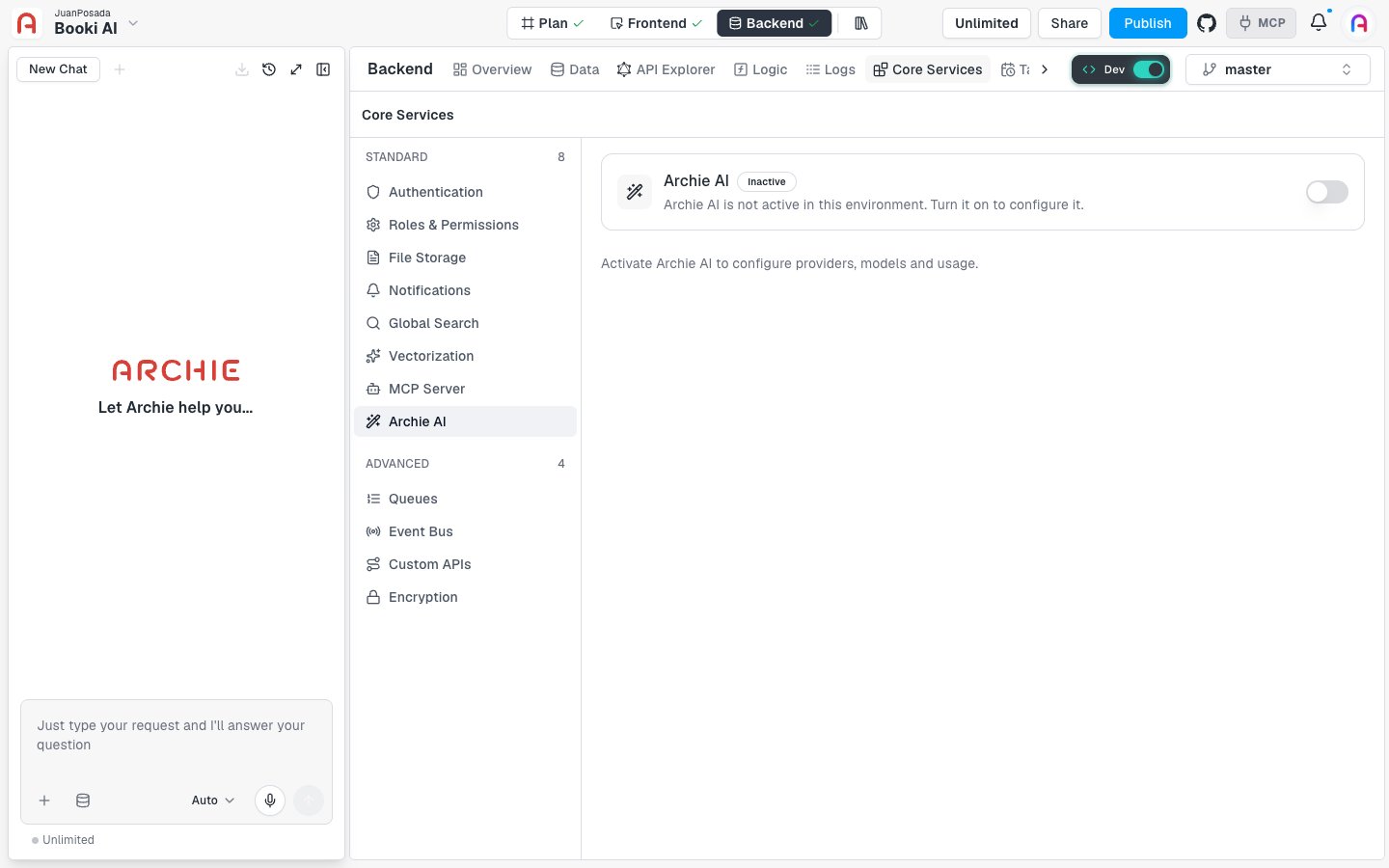
While it’s off, the page shows an Inactive badge and the message “Archie AI is not active in this environment. Turn it on to configure it.” The Archie AI page showing the Inactive badge and the Activate Archie AI switch turned off. Once it’s active, the badge changes to Active and five tabs appear: To turn Archie AI off, switch Activate Archie AI back off.

FAQ

No. Activation and configuration apply to the environment you have selected in the Backend Console.
By default, Archie manages the provider keys and bills usage as AI credits. Bringing your own key is marked Enterprise in the console. See Providers and default models.