

The initial prompt
Your initial prompt is the description you typed when you created the project. You can edit it any time. Click Edit on the initial prompt card, change the text, save.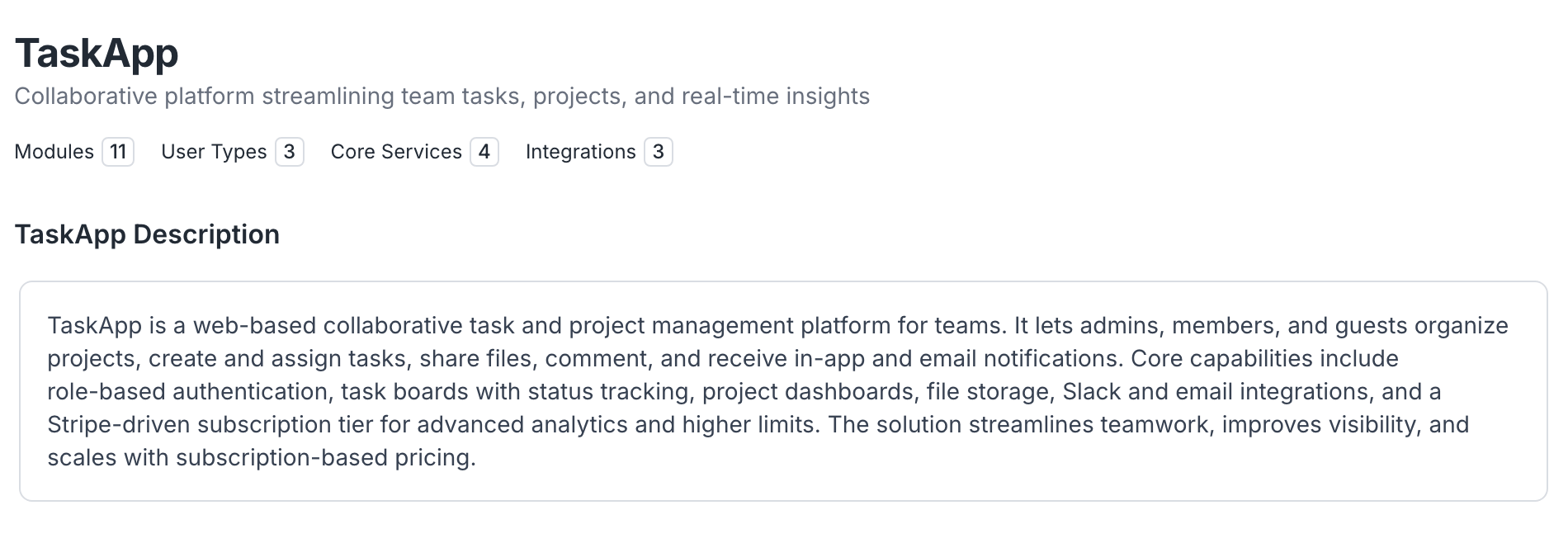
Clarifying questions
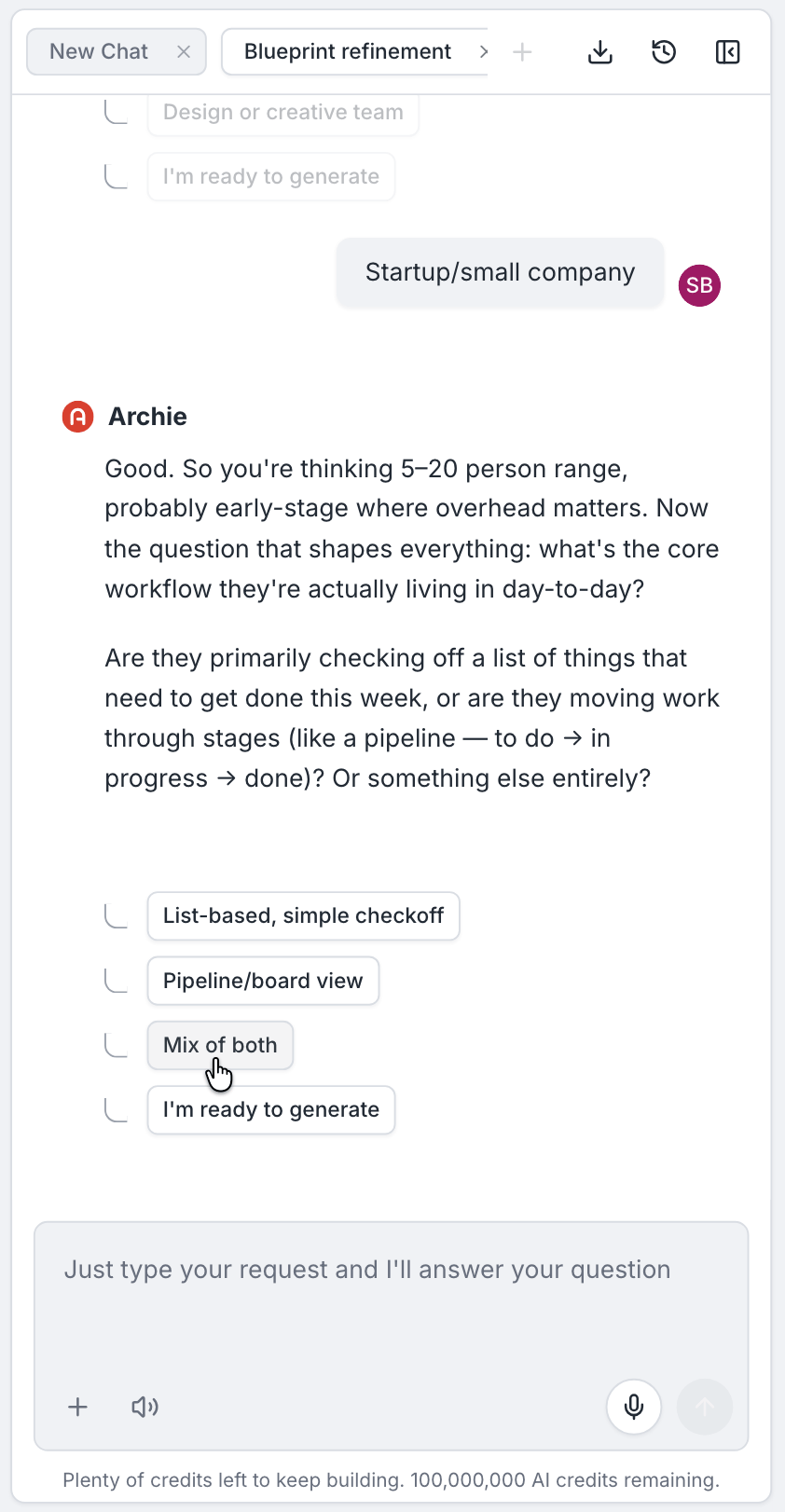
After you submit your idea, Archie may ask one or two clarifying questions. Each question has multiple-choice options and a free-text field. You can:- Pick an option (A, B, C, and so on)
- Type a free-text answer
- Skip the question
When questions appear
Questions stream in as Archie analyzes your prompt. You will see “Agent is working…” while a question is being prepared. Once a question is ready, you can answer or skip immediately.Editing context after the plan exists
You can revisit the Context tab at any time. Editing the initial prompt or answering more questions will inform the next regeneration or iteration. Existing plan content does not change automatically — use the plan chat to apply the new context.FAQ
Will my answers retroactively change the plan?
Will my answers retroactively change the plan?
Not automatically. After updating context, ask the plan chat to apply the change, or regenerate the relevant section.
How many questions will Archie ask?
How many questions will Archie ask?
Usually one or two. Archie only asks when it cannot infer something it needs.